
You are beta testing an iPhone app before it hits the official Apple App Store! The official Apple platform for doing this kind of beta testing is called TestFlight.
Below are step-by-step instructions for downloading the Writually iPhone app through the Apple TestFlight platform.
Getting Started with TestFlight
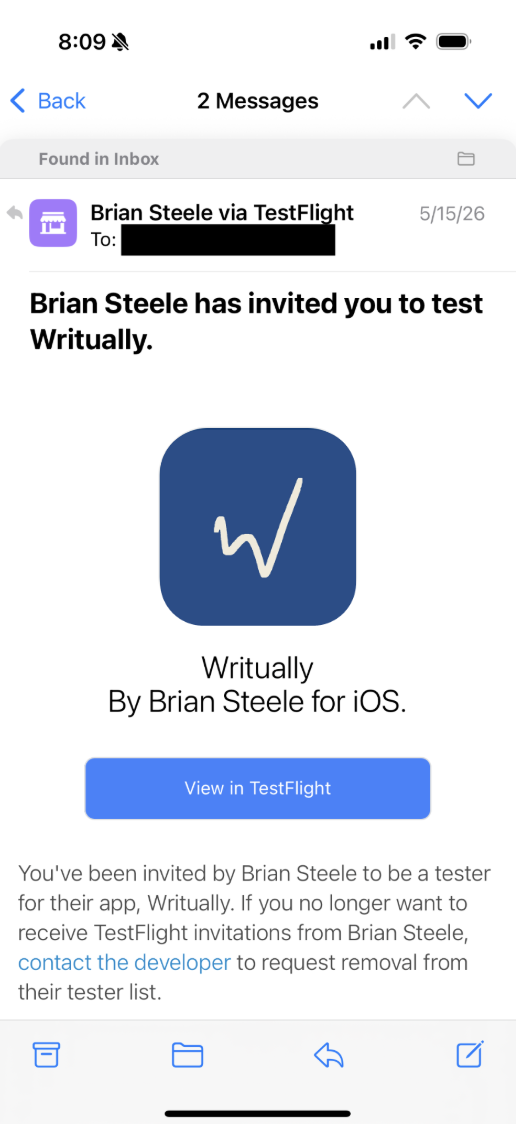
You’ll receive an email with this subject heading: “Brian Steele has invited you to test Writually.”
1
Open the email on your phone and click the “View in Test Flight” button.
2
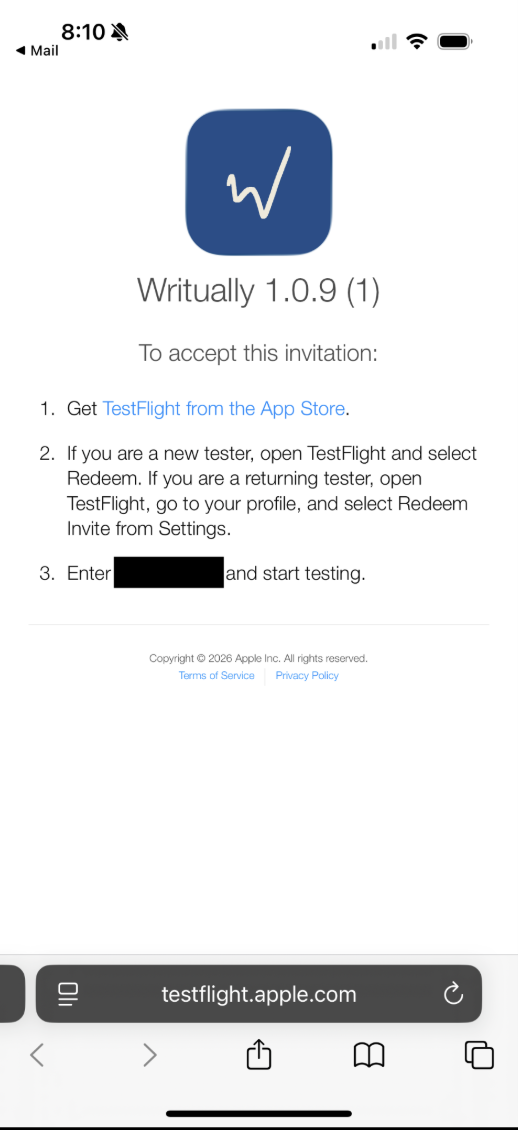
Select and copy the CODE given on the TestFlight landing page.
3
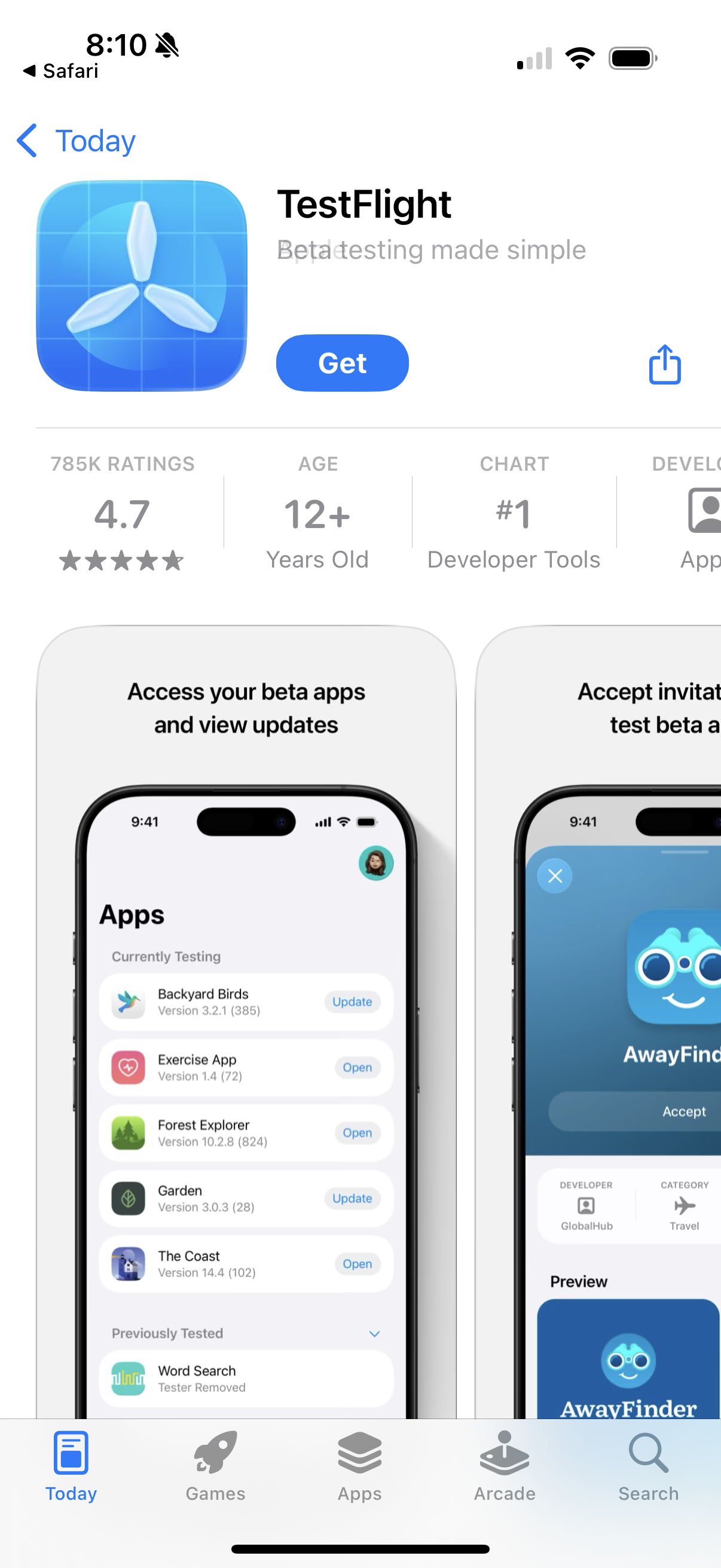
Get the TestFlight app from the App Store.
4
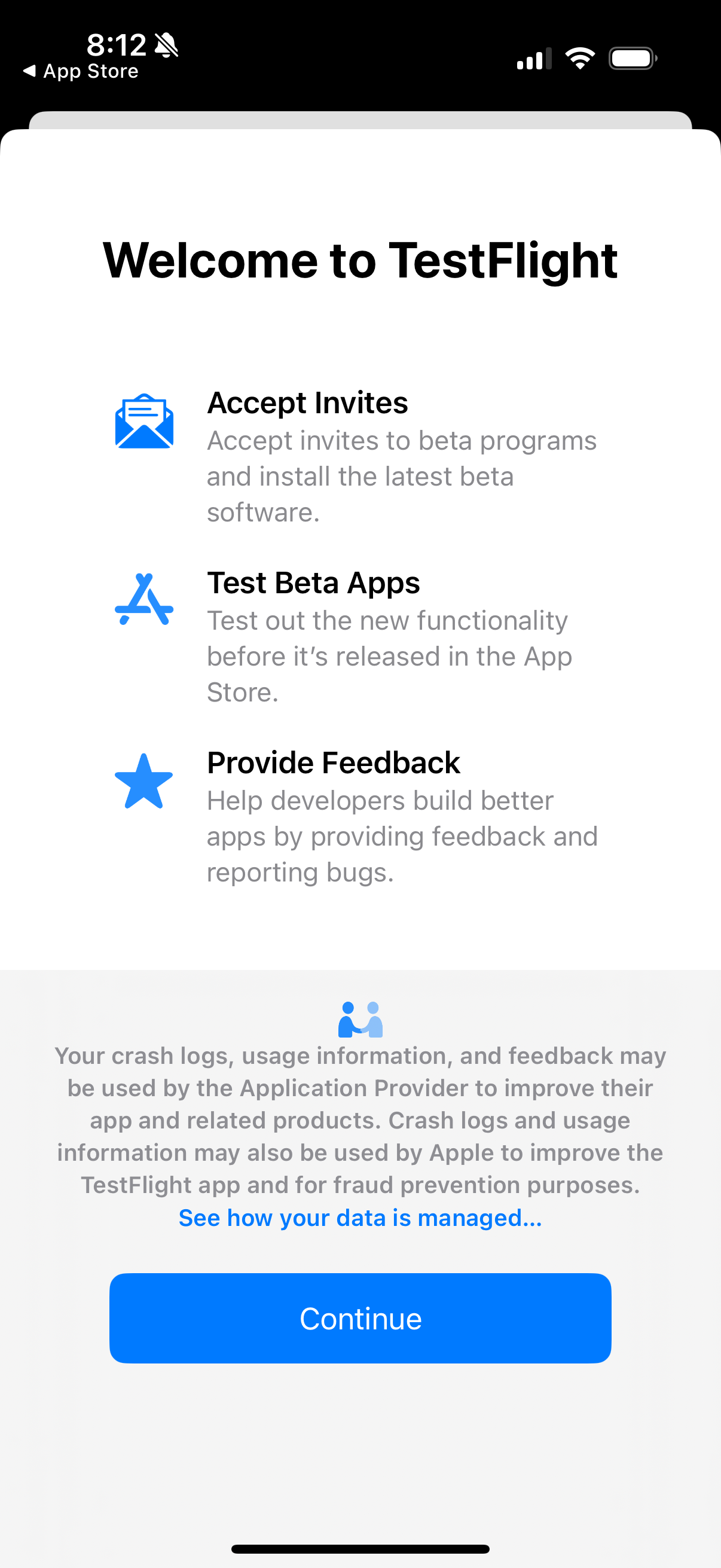
Allow TestFlight to send notification (so you can get the latest version as we make updates).
5
Click through TestFlight information and accept terms of service.
6
Redeem the invite to test Writually by pasting in the code you copied.
7
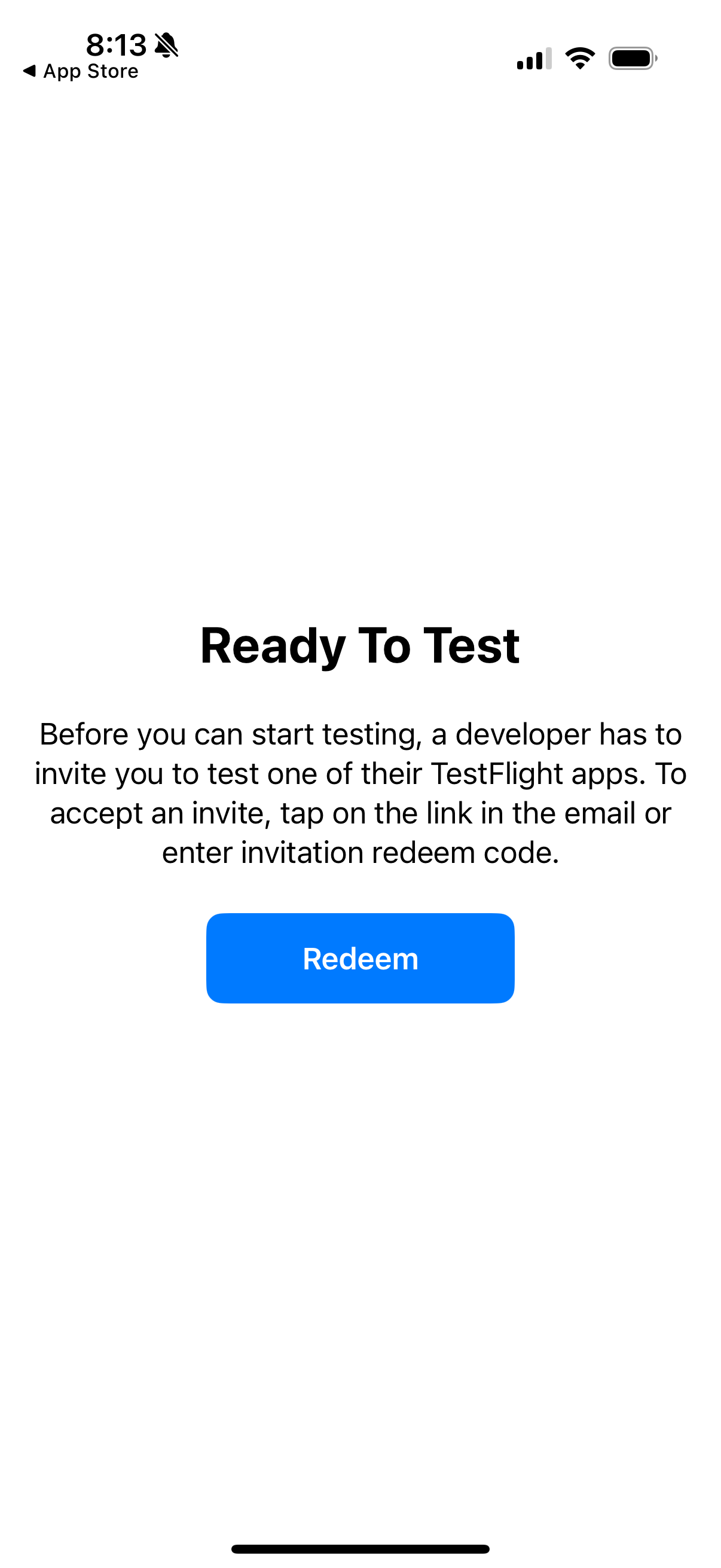
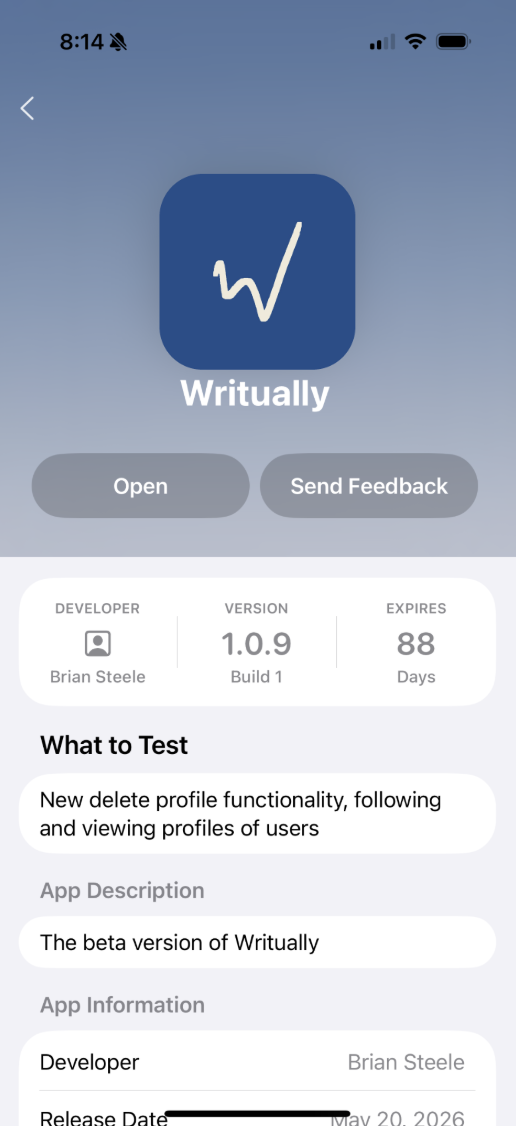
Open Writually from TestFlight and click through the the explainers.
8
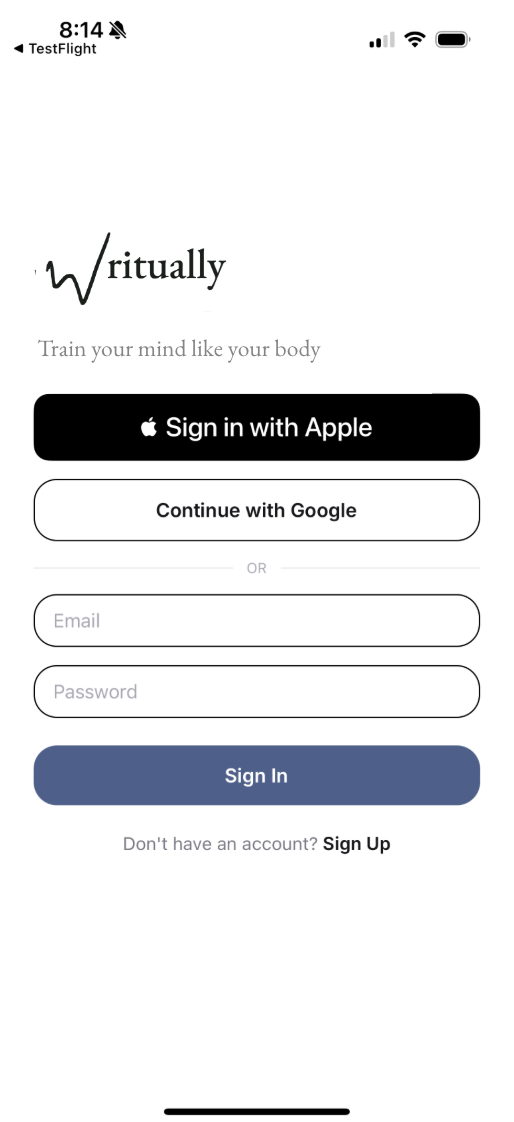
You should land on the account creation page for Writually.
9
Check out our a step-by-step tutorial to getting started with your first Writual.